

Dealertrack AP Automation Integration

Stampli connects P2P across
every dealership in your group

Automate AP across dealerships with Stampli’s Opentrack-certified integration, keeping invoices, approvals, and payments connected to Dealertrack.

Built for accounting that crosses branches without crossing wires

Run one process across every dealership

Give finance one place to manage P2P while keeping each invoice, approval, credit, and payment associated with the correct Dealertrack company.

Keep Dealertrack context with every decision

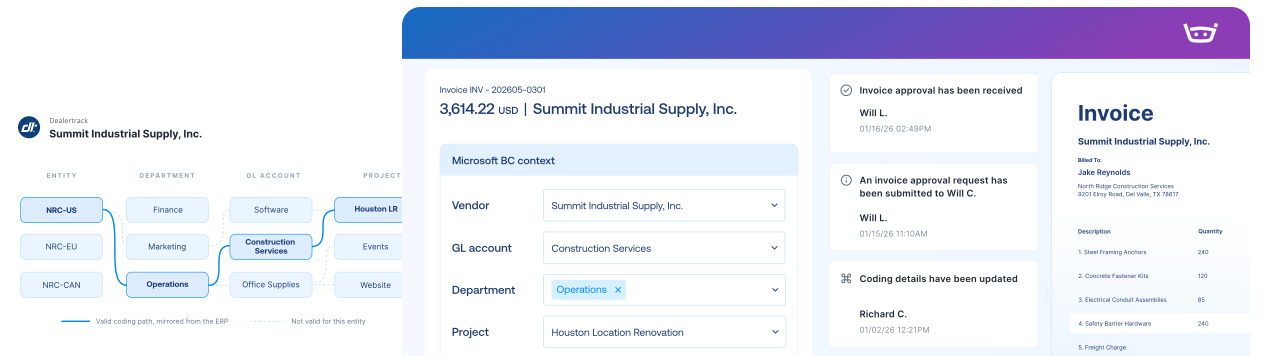
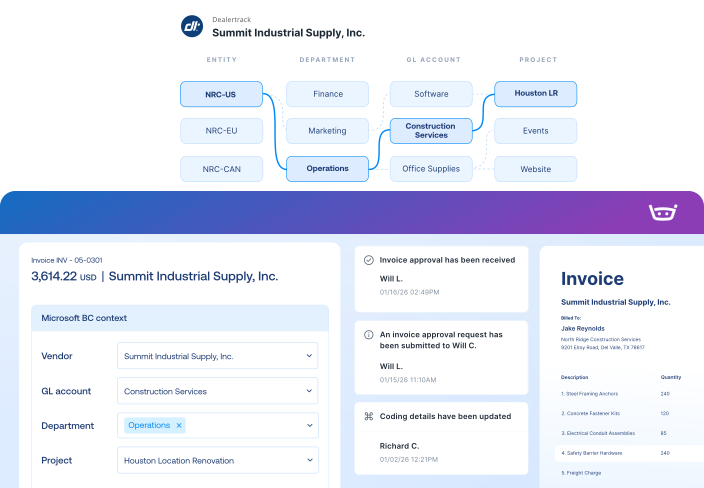
Bring vendors, GL accounts, POs, company identifiers, control numbers, and related customer information into the workflow so reviewers have the right context.

Connect invoice processing and payments

Carry approved invoices into payment workflows, apply eligible credits and discounts, and keep payment information connected with Dealertrack.

Dealertrack integration

Bring company-specific vendors, GL accounts, open POs, line details, and Dealertrack fields into Stampli. Once approved, send the completed record back to Dealertrack with its company and accounting context intact.
Dealertrack
Stampli
Lists
Vendor Lists
Vendor Lists
GL Accounts
GL Accounts
Open POs, Line Items, Receipts
Fields, Custom Fields (Dimensions, 1099, Company Code, etc.)
Payments
Posted Purchase Invoice
Invoice Authorized for Payment
Link to Stampli Invoice
Link to Dealertrack Invoice
Business Payment
Stampli Payment
Link to Stampli Payment
Link to Dealertrack Payment

Keep every invoice moving with Dealertrack context

Stampli runs the invoice-to-pay workflow, while Dealertrack remains your system of record for vendors, dealerships, invoices, and payments.

Capture every invoice path

Collect invoices from email, upload, vendor portal, CSV, and other configured intake channels.

Dealertrack context

Bring vendors, GL accounts, POs, company identifiers, control numbers, and related customer information into the workflow so reviewers have the right context.

Send records to Dealertrack

Send approved invoice and credit details, line-level coding, and company identifiers to the correct Dealertrack company.

Keep vendors updated

Share invoice status, questions, and payment updates through vendor email and portal workflows.

1,000+ invoices. 71 locations. Two people in AP.

Billy handles repetitive work, helping Advance Financial avoid 1-2 hires and cut AP analysis from two days to two hours.

“Stampli has given us the opportunity to focus on learning, improving processes, and taking on new responsibilities.”

Elizabeth Wallin

AP Manager, Advance Financial

$100k

Saved per year in labor costs

8-10 hrs

Reclaimed every month

2 hrs

AP analysis (down from 2 days)

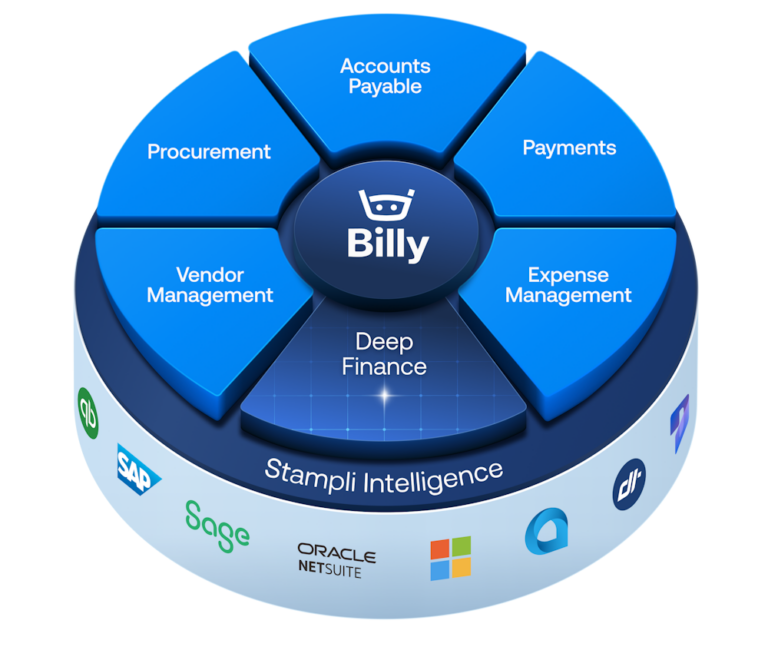
The intelligent Procure-to-Pay platform

Dealertrack FAQs FAQs

Stampli uses its Opentrack-certified API integration to bring Dealertrack vendors, GL accounts, open POs, line details, company identifiers, and supported invoice fields into the workflow. Approved invoice and payment information can be sent back while Dealertrack remains the system of record.

Yes. Stampli supports dealership groups with multiple Dealertrack companies in one account. Company IDs and Enterprise Codes keep transactions associated with the correct dealership throughout the workflow.

Stampli supports Dealertrack fields such as Company ID, Enterprise Code, Control Number, Related Customer, and Payable Account. These fields are mapped to your Dealertrack environment during implementation.

Yes. Stampli can bring open Dealertrack POs and their line details into the invoice workflow for two-way matching. Reviewers can compare invoice information with PO items, descriptions, rates, and quantities before approval.

Yes. Stampli can apply eligible vendor credits and discounts during payment selection, support full and partial payments, and keep payment information and status connected with Dealertrack.

Stampli connects through Dealertrack's Opentrack API platform. Confirm the current certification status during launch review, and validate company mappings, fields, and workflows during implementation.