

QuickBooks Desktop AP Integration

Stampli scales P2P
with QuickBooks Desktop

Connect purchasing, approvals, and payments in the cloud, while keeping QuickBooks Desktop as your system of record.

Built for growing finance teams that run on QuickBooks Desktop

ERP sync and connected records

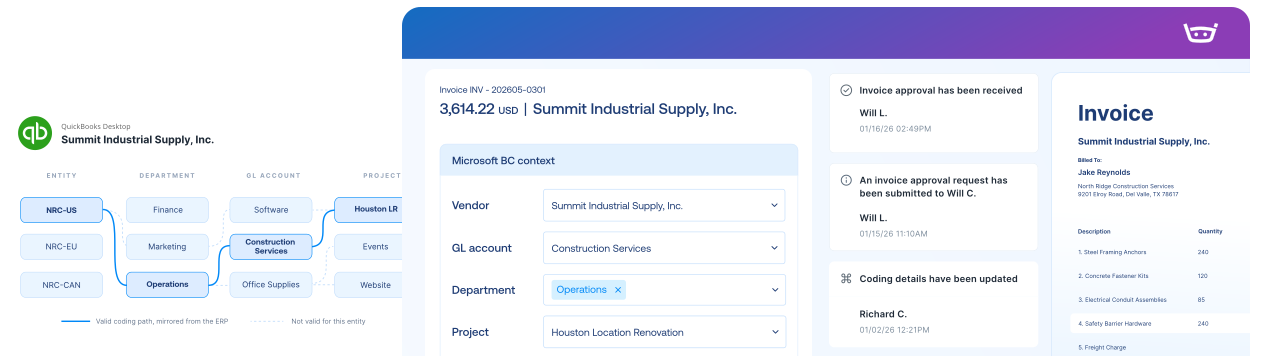
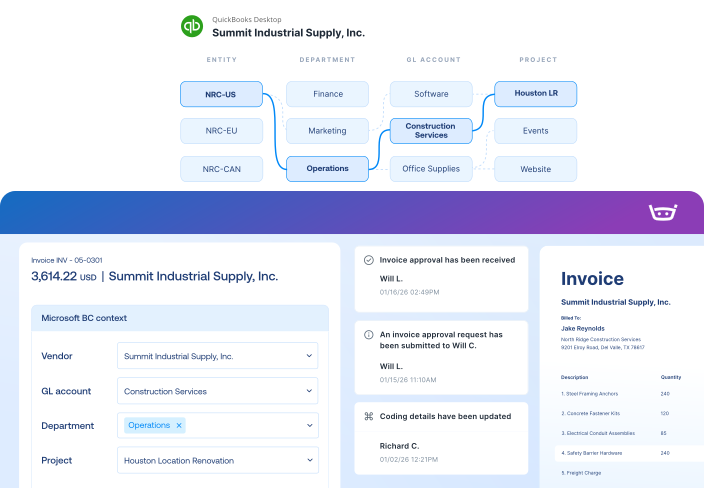
Bring vendors, accounts, classes, locations, projects, items, POs, and receiving information into the workflow so teams can make decisions with the right accounting context.

Handle growth without adding manual work

ring purchase requests, invoices, approvals, vendor questions, and payments into one process as transaction volume grows.

Return completed records the way QuickBooks Desktop expects

Create approved bills and credits with the right coding, purchasing references, and supported payment information.

QuickBooks Desktop integration

Pull QuickBooks Desktop details into every invoice, from vendors and accounts to classes, locations, projects, items, and purchase orders.
QuickBooks Desktop
Stampli
Lists
Vendor Lists
Vendor Lists
GL Accounts
GL Accounts
Open POs, Line Items, Receipts
Fields, Custom Fields (Dimensions, 1099, Company Code, etc.)
Payments
Posted Purchase Invoice
Invoice Authorized for Payment
Link to Stampli Invoice
Link to QuickBooks Desktop Invoice
Business Payment
Stampli Payment
Link to Stampli Payment
Link to QuickBooks Desktop Payment

Keep every invoice moving with QuickBooks Desktop context

Stampli runs the invoice-to-pay workflow, while QuickBooks Desktop remains your system of record from vendors and accounts to classes, locations, projects, items, and purchase orders.

Capture every invoice path

Collect invoices from email, upload, vendor portal, CSV, and other configured intake channels.

QuickBooks Desktop context

Code and approve invoices using QuickBooks Desktop vendors, accounts, classes, locations, projects, items, and POs.

Send records to QuickBooks

Send approved bills, credits, coding, PO references, and supported payment records back to QuickBooks Desktop.

Keep vendors updated

Share invoice status, questions, and payment updates through vendor email and portal workflows.

Faster payments made work easier on both sides

The Los Angeles Area Chamber of Commerce, a QuickBooks customer, replaced slow, sometimes lost checks with Direct Pay and Stampli Card, improving vendor payment reliability and reducing manual reconciliation.

“Our vendors appreciate getting their money quicker and on time, and they don’t have to deal with the manual stuff, like depositing checks.”

Kristin Thomas

Staff Accountant, Los Angeles Area Chamber of Commerce

2 steps

To initiate and approve payment

vs. 22+ across a typical ERP and bank process

1 step

For automatic reconciliation

vs. 8+ across separate systems

3 steps

To initiate an international payment

vs. 12+ across a typical ERP and bank process

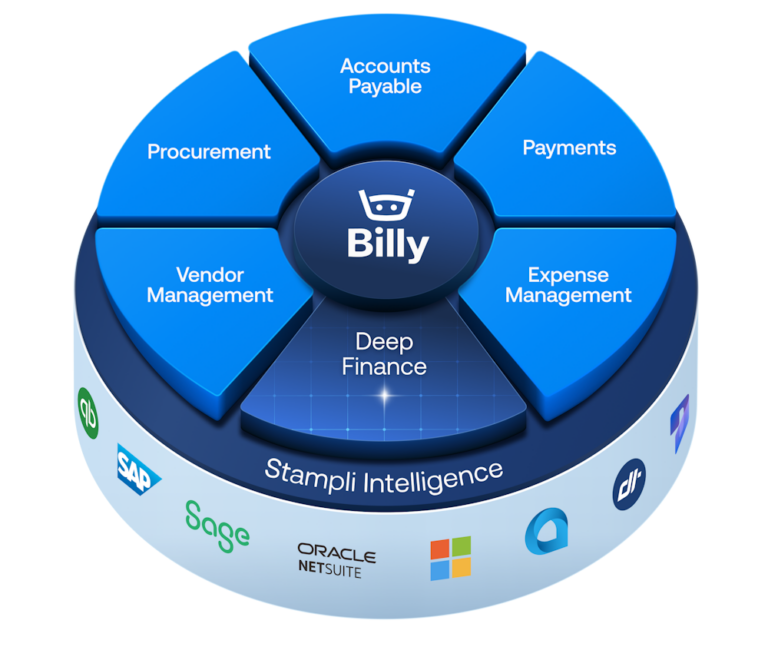
The intelligent Procure-to-Pay platform

QuickBooks Desktop FAQs FAQs

Stampli connects through Stampli Bridge, which is installed in the supported QuickBooks Desktop environment and securely exchanges information between QuickBooks and Stampli.

Yes. Stampli supports multi-company workflows while keeping each document associated with the correct QuickBooks Desktop compa

Stampli can bring company files, vendors, GL accounts, classes, customers and jobs, items, open POs, line items, receiving information, and supported custom fields into the workflow.

Yes. Stampli supports two- and three-way matching using QuickBooks Desktop POs, line items, and receiving information. Additional charges such as tax and shipping can also be reviewed with the invoice.

Yes. Stampli supports QuickBooks Desktop environments hosted through Right Networks using the Stampli Bridge connection.

No. QuickBooks Desktop remains the accounting system of record. Stampli provides the connected cloud workflow for invoice intake, coding, matching, approvals, communication, documentation, and payments.